Types of Proxies Explained: Every Proxy Type and When to Use It
Forward, reverse, residential, datacenter, SOCKS5, rotating. Instead of memorizing a flat list, learn the handful of axes that classify every proxy, and how to pick the right one for your job.
By Renish, Full Stack Engineer & Architect
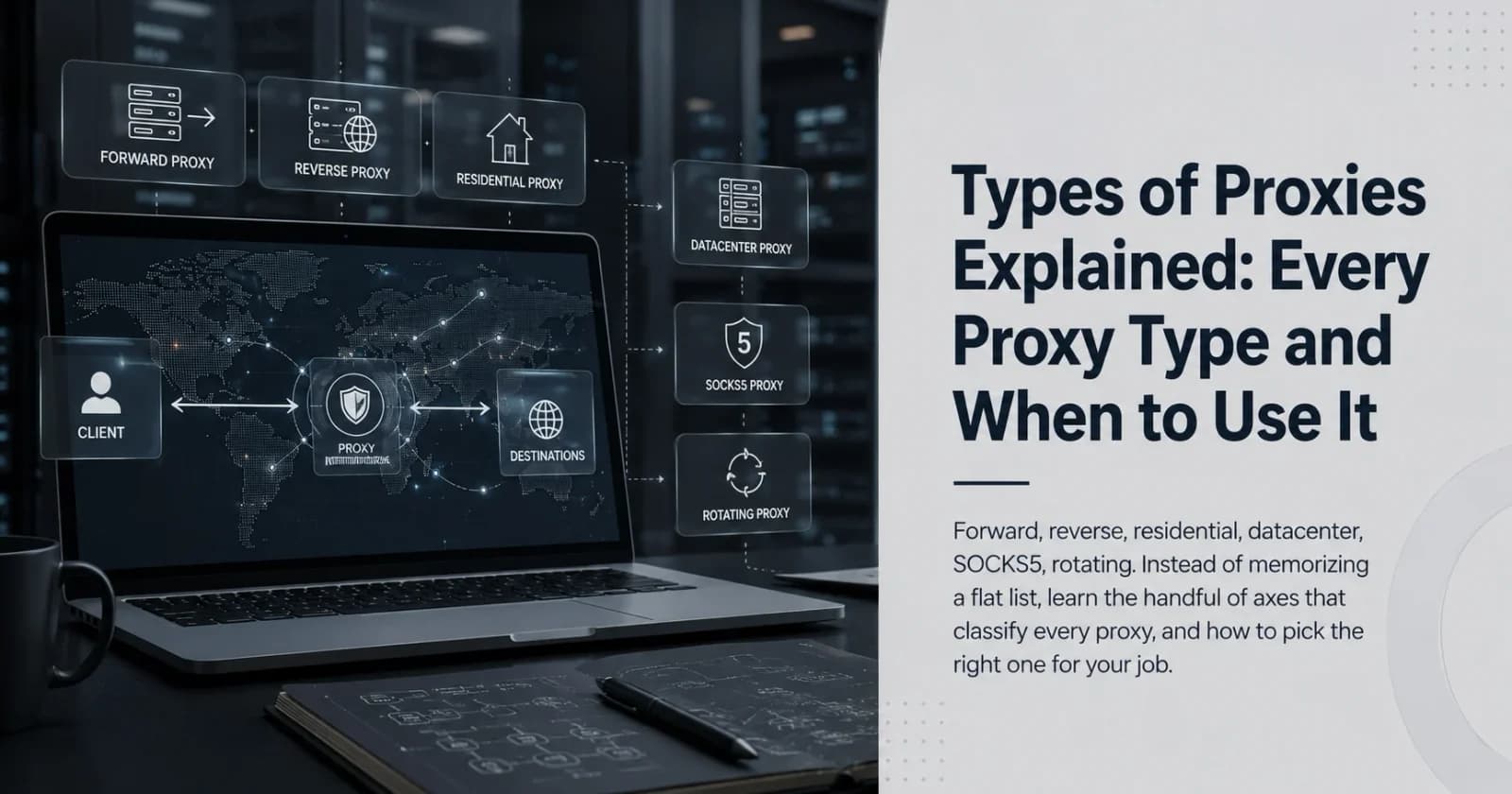
There is no single list of proxy types
Ask five sources how many types of proxies exist and you get five different numbers. Seven. Twelve. Fifteen. They are all correct and all a little misleading, because a proxy is not one entry on a list. It is classified along several independent axes at the same time, and every real proxy has a value on each one.
A single production proxy might be a rotating, residential, SOCKS5, forward proxy all at once. Rotating describes how its IP changes. Residential describes where the IP comes from. SOCKS5 is its protocol. Forward is the direction it faces. Once you stop hunting for a flat list and start reading these axes, the whole topic falls into place. Here are the axes that matter.
Axis 1: Direction, forward vs reverse
This is the split that causes the most confusion, so start here.
A forward proxy works on behalf of the client. It sits between a user and the wider internet, and when that user makes a request, the destination sees the proxy as the origin rather than the real client. This is the proxy most people mean in casual conversation. Corporate networks route staff through one to filter and log traffic. Privacy tools use one to hide a user's address. Scrapers use one to spread requests across many IPs.
A reverse proxy works on behalf of the server. It sits in front of one or more origin servers and faces the public internet, so incoming visitors reach the reverse proxy first and it decides what to pass through to the origin. This is the workhorse behind load balancing, caching, TLS termination, web application firewalls, and CDNs.
The nuance that trips people up: everything in the next few sections, residential, datacenter, mobile, is a kind of forward proxy. Reverse proxies are a separate job entirely, closer to infrastructure than to anonymity. Keep the two apart in your head and half the confusion around this topic disappears.
Axis 2: IP origin, for forward proxies
Once a proxy faces outward for a client, the next question is where its IP address comes from. This axis drives cost, speed, and how likely a site is to block it.
Datacenter proxies use IP addresses owned by hosting providers and cloud platforms. They are fast and cheap, and you can buy them in bulk. The trade-off is detection, because their IP ranges belong to known hosting networks, so any site that cares can spot and block them quickly.
Residential proxies use real IP addresses that ISPs assign to actual homes. To a website they look like ordinary people, which makes them far harder to flag. You pay for that trust in money and speed, since the traffic routes through consumer connections.
ISP proxies, sometimes called static residential, are a hybrid. They are residential-classified IPs hosted on datacenter hardware, so you get the trust of a residential IP with the speed and stability of a datacenter one.
Mobile proxies route through cellular carrier networks on 4G and 5G. Because carriers share a small pool of IPs across many real users through NAT, these carry very high trust and are the hardest to block. That comes at the highest price and with the most variable stability.
Axis 3: Level of anonymity
Forward proxies also differ in how much they reveal about you, which matters when the whole point is privacy.
A transparent proxy hides nothing. It passes your real IP to the destination and openly identifies itself as a proxy. These are not for anonymity at all. They exist for caching, content filtering, and corporate monitoring, often without the user even configuring anything.
An anonymous proxy hides your real IP but still announces that a proxy is in use. You get privacy of location without pretending the connection is direct.
A distorting proxy hides your real IP and passes along a false one, muddying the trail further.
An elite proxy, also called high-anonymity, hides your real IP and does not advertise that it is a proxy at all. To the destination the request looks like a normal direct visit. This is the strongest tier, though in practice detection is always probabilistic rather than impossible.
Axis 4: Protocol
This axis is about how the proxy handles traffic at the network level.
An HTTP proxy understands web traffic. Because it operates at the application layer, it can read, cache, and filter HTTP requests, which makes it useful for browsing and content control. On its own it does not encrypt.
An HTTPS or SSL proxy adds an encrypted tunnel, so the traffic between client and proxy is protected in transit.
A SOCKS proxy, usually SOCKS5 today, sits lower down and does not interpret your traffic at all. It simply forwards packets, which means it handles anything, not just web pages. Email, file transfer, streaming, and torrent traffic all work through SOCKS5 where an HTTP proxy would not.
A DNS proxy handles name resolution, routing or filtering DNS queries, often to bypass geo-blocks or enforce network policy.
Axis 5: Exclusivity and rotation
Two smaller axes decide who else is using the proxy and whether the IP stays put.
Public or free proxies are open to anyone. They are cheap for a reason. Crowded, slow, and often unsafe, since you have no idea who else is on them or what they log.
Shared proxies limit the pool to a smaller set of paying users, which improves reliability. Dedicated or private proxies give a single IP to a single user, the most stable and secure option, and the most expensive.
Separately, a static proxy keeps the same IP for the whole session, while a rotating proxy changes the IP automatically, either on every request or on a timer. Rotation is what makes large scraping jobs possible, because the target sees many different addresses instead of one address hammering it repeatedly.
The reverse-proxy family
Circling back to the direction axis, the reverse side is a world of its own and worth naming, because these terms show up constantly in infrastructure work. A load balancer is a reverse proxy that spreads traffic across several origin servers. An API gateway is a reverse proxy that sits in front of backend services and handles routing, authentication, and rate limiting. A CDN edge node is a globally distributed reverse proxy that caches content close to users. A TLS-terminating proxy decrypts inbound HTTPS so the origin server does not have to. All of them are reverse proxies wearing job titles.
How to actually pick one
Stack the axes against your goal and the choice gets obvious.
For large-scale web scraping, you want a rotating residential forward proxy over HTTP, high-anonymity if the target is aggressive about blocking. For corporate traffic filtering and logging, a transparent forward proxy does the job. For plain privacy, an elite forward proxy is the floor. For non-web traffic like torrents or email, you need SOCKS5. And if your goal is on the other side of the request entirely, protecting or scaling or caching a web application, you are not shopping for any of the above. You want a reverse proxy.
That is the whole map. Not a numbered list to memorize, but a small set of axes, where every proxy you will ever meet is just a specific combination of answers.
How many types of proxies are there?
There is no single fixed number, because proxies are grouped along several axes at once: direction (forward or reverse), IP origin (datacenter, residential, ISP, mobile), anonymity level (transparent, anonymous, distorting, elite), protocol (HTTP, HTTPS, SOCKS5, DNS), and exclusivity (public, shared, dedicated, rotating). Any real proxy is a combination of these.
What is the difference between a forward and a reverse proxy?
A forward proxy acts on behalf of the client and faces the internet, so the destination sees the proxy instead of the user. A reverse proxy acts on behalf of the server and faces incoming visitors, handling load balancing, caching, and TLS termination in front of the origin.
Which proxy type is best for web scraping?
For most large-scale scraping, a rotating residential proxy over HTTP works best, because residential IPs look like real users and rotation spreads requests across many addresses. Use high-anonymity and mobile IPs when the target site is especially aggressive about blocking.
Is a residential proxy better than a datacenter proxy?
Neither is universally better. Datacenter proxies are faster and cheaper but easier to detect and block. Residential proxies carry far more trust because they use real ISP-assigned home IPs, but they cost more and run slower. Match the choice to the task.